How to Use the Git Simulator?
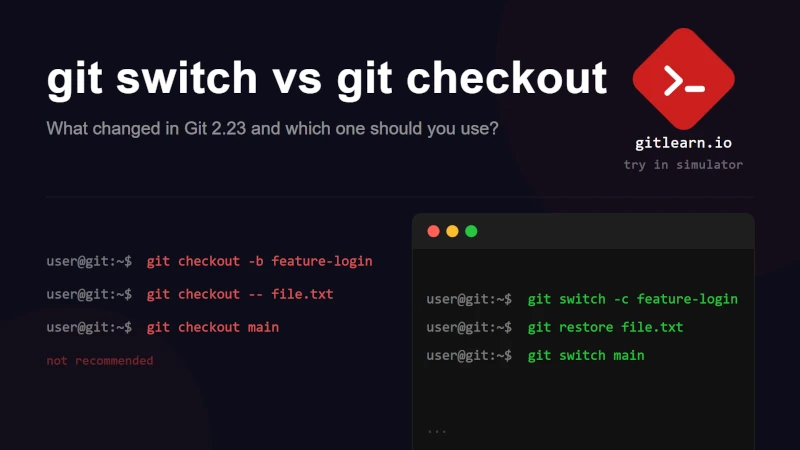
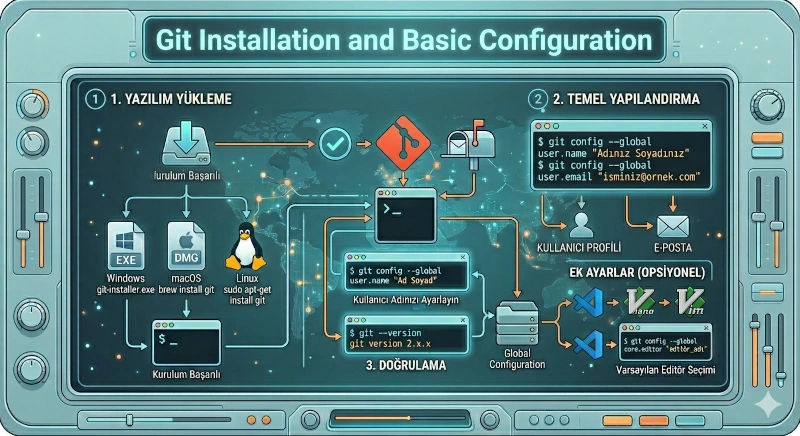
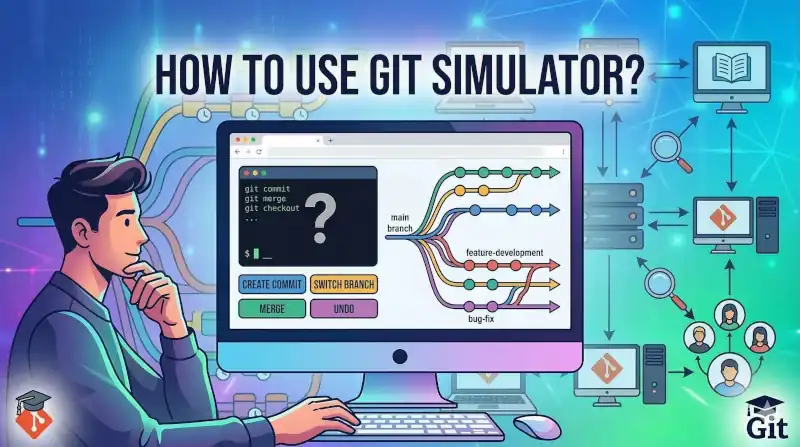
How do you use the gitlearn.io Git simulator? Try Git commands hands-on in a real simulation environment.
Learn every command with examples, then try it in the simulator.
How do you use the gitlearn.io Git simulator? Try Git commands hands-on in a real simulation environment.
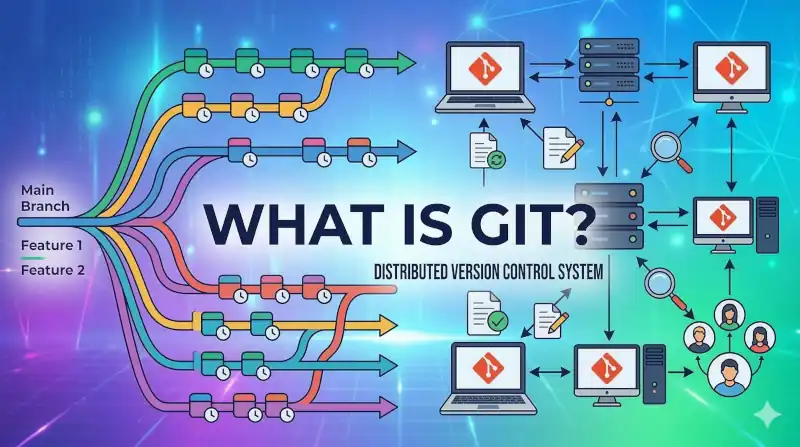
What is Git? How does a version control system work and what is it used for?
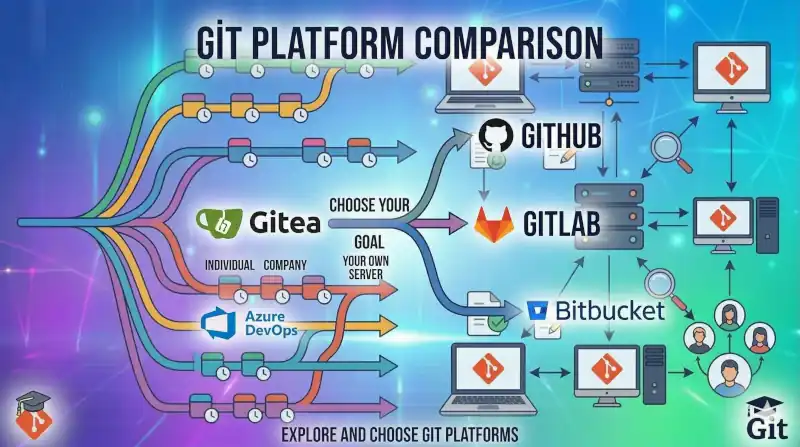
Which Git platform is right for your project? A guide to open source, enterprise, and self-hosted options.
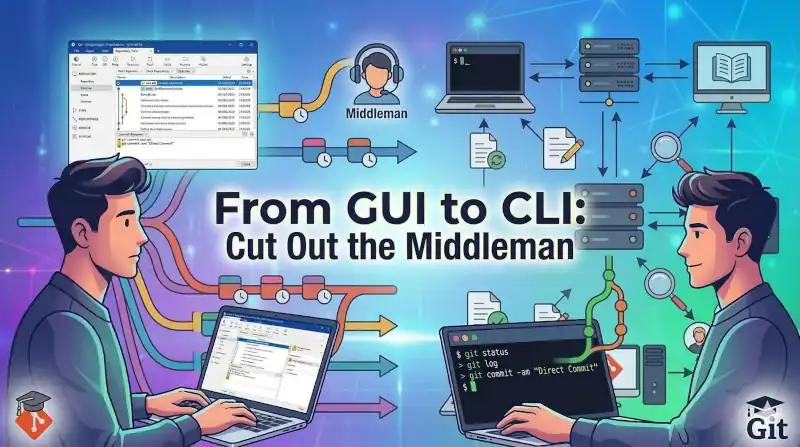
Drop the GUI "translator" and talk directly to Git through the terminal. Discover the real power of the CLI — and build command muscle memory without the fear of breaking anything, using our simulator.
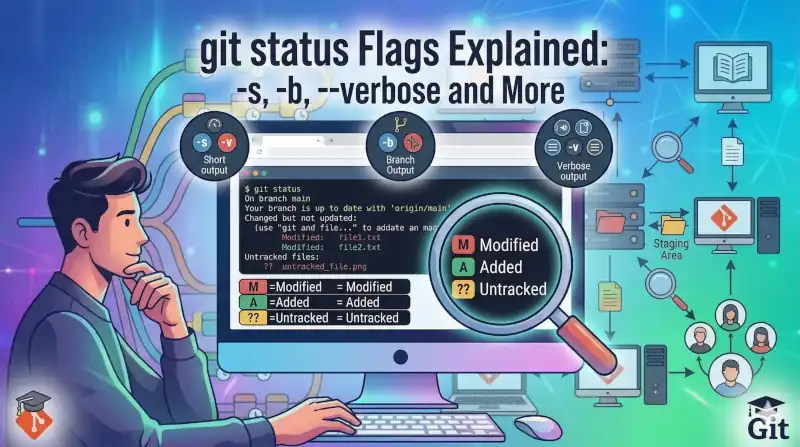
git status is one of the most essential Git commands for checking your repository's current state. This guide covers not just the basics but all parameters that shape the output, filter content, and detect renames — plus XY status codes and real-world usage scenarios.
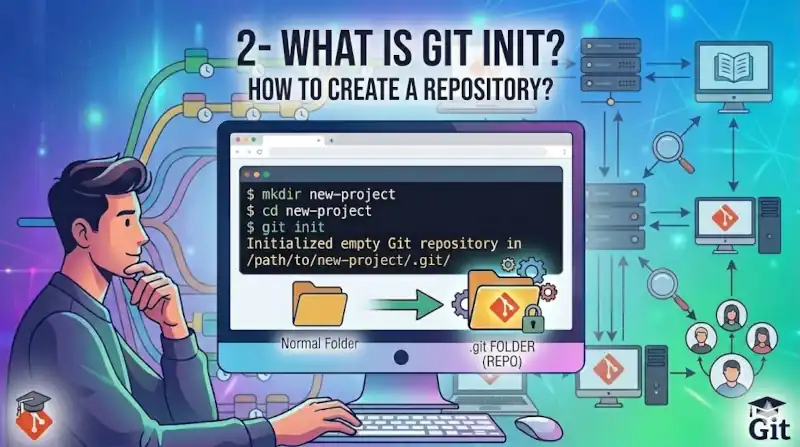
The very first step in any Git project — create a repository with a single command.
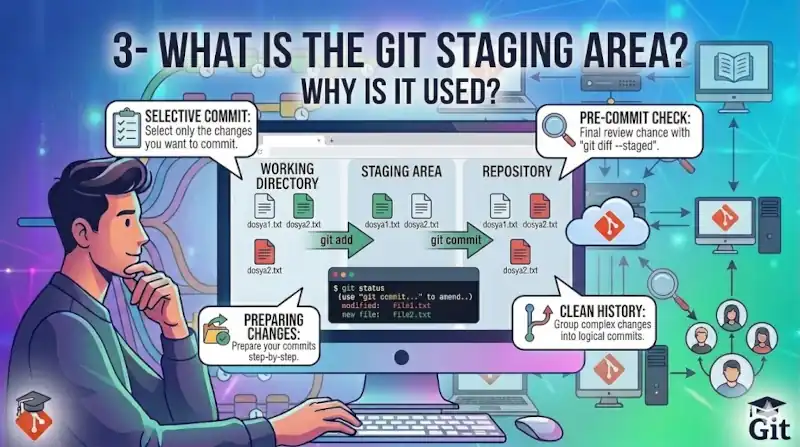
The Staging Area is Git's buffer zone that lets you choose exactly what goes into each commit, keeping your version history clean and intentional.
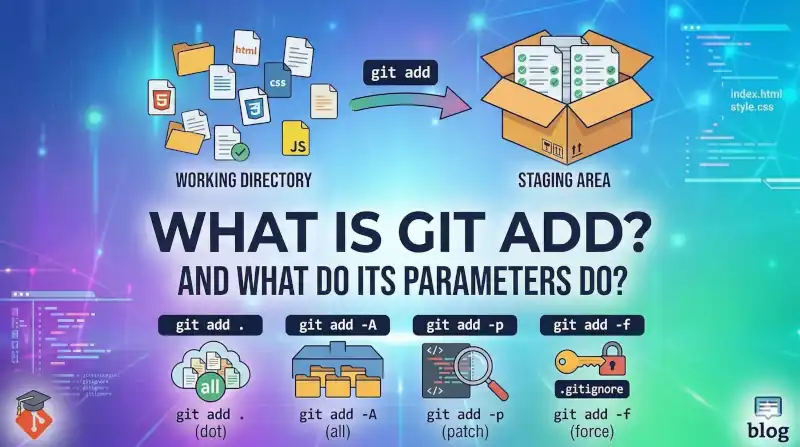
In this guide, we explore the git add command, one of the most fundamental commands in the Git version control system. We explain Git's three-stage workflow (Working Tree, Staging Area, Repo) by simplifying it with an everyday "shipping box" analogy.
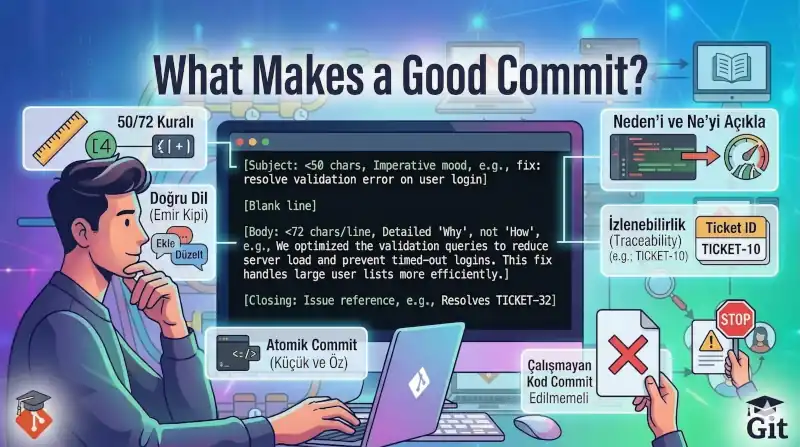
No more meaningless commit messages like "update", "fix", or "asd". In this article, we break down the anatomy of a good Git commit message — covering atomic commits, the 50/72 rule, and universal standards like Conventional Commits to help you manage your project history professionally.
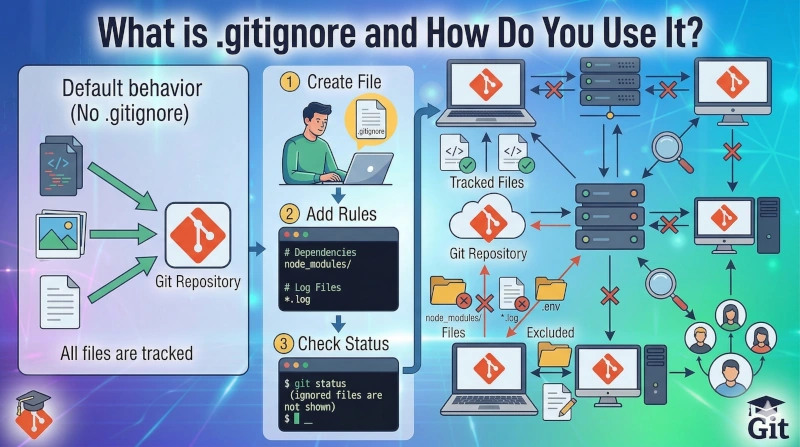
.gitignore tells Git which files to leave untracked. A complete guide covering syntax rules, file categories, and ready-to-use examples.